MPI Video: What Your Techs Should Say and Show
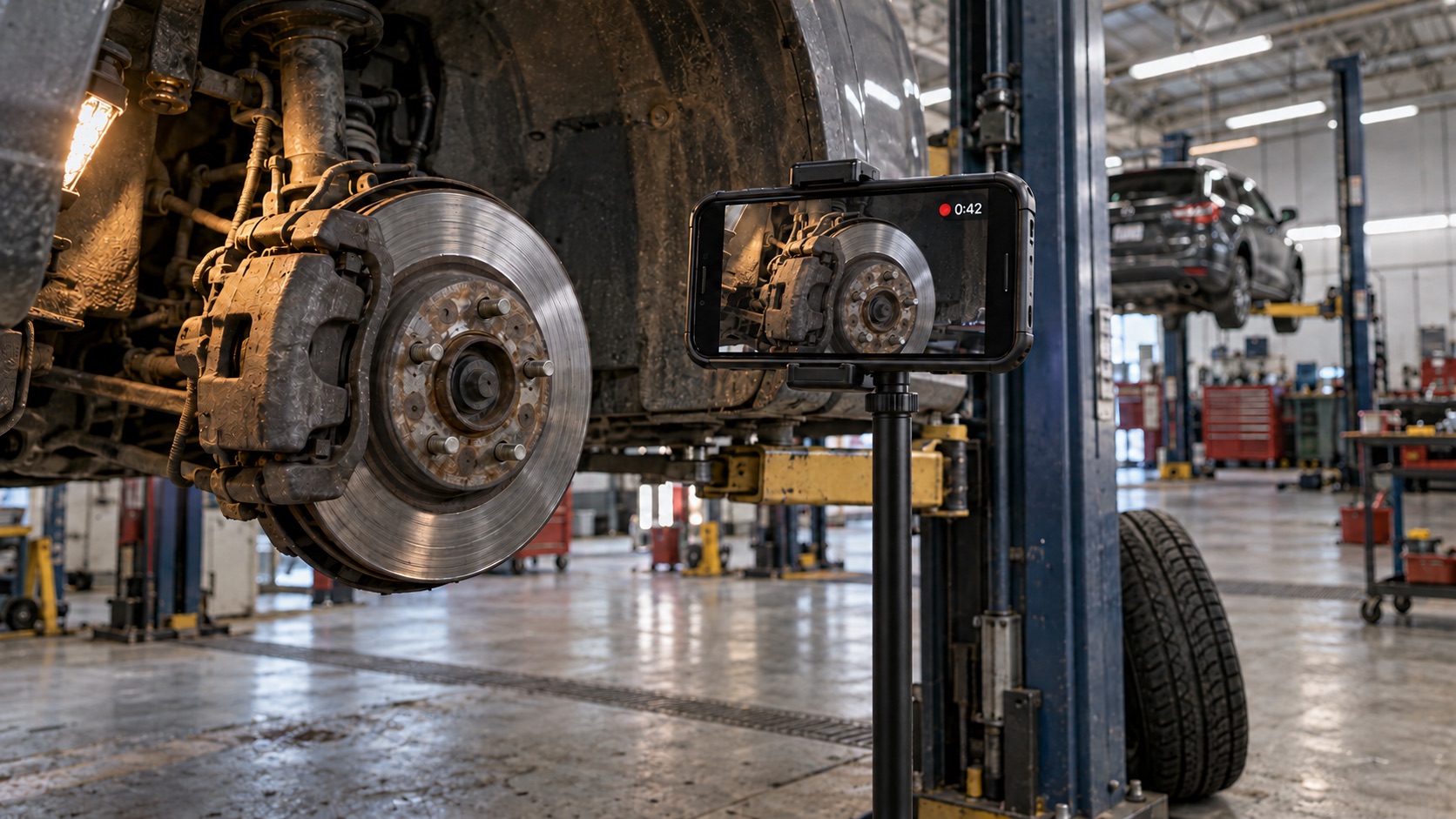
Your store tracks video percentage. Your techs know it. So a lot of MPI videos look like this: 30 seconds of a tech circling the car and ducking under the lift so the video counts, then straight back to the job that pays.
That video does not sell anything. A good MPI video does, and the difference is not camera skill. It is a shot list.
TL;DR: A good MPI video follows the same order every time: introduce yourself, answer the customer’s concern, show red items, then yellow, and close with what is urgent and what can wait. One to two minutes on a clean car. Video what moves or makes noise; leave the routine measurements to the report.
What is an MPI video?
An MPI video is a recording the technician makes during the multi-point inspection (MPI) and the advisor sends to the customer with the estimate. It is not a single clip of one worn part. It is the whole inspection, start to finish, in the tech’s own voice: the lines on the RO and every item flagged red or yellow.
If you want the talk track for one concern (problem, explanation, comparison, consequence, recommendation), we covered that in what customers actually want to see in an inspection video. This post is about the full MPI video: the order, the length, and what to leave out.
Does an MPI video actually sell more work?
The best dealership numbers come from the Cox Automotive 2026 Fixed Operations and Ownership Study, which surveyed 500 fixed ops decision makers and 2,500 service customers.
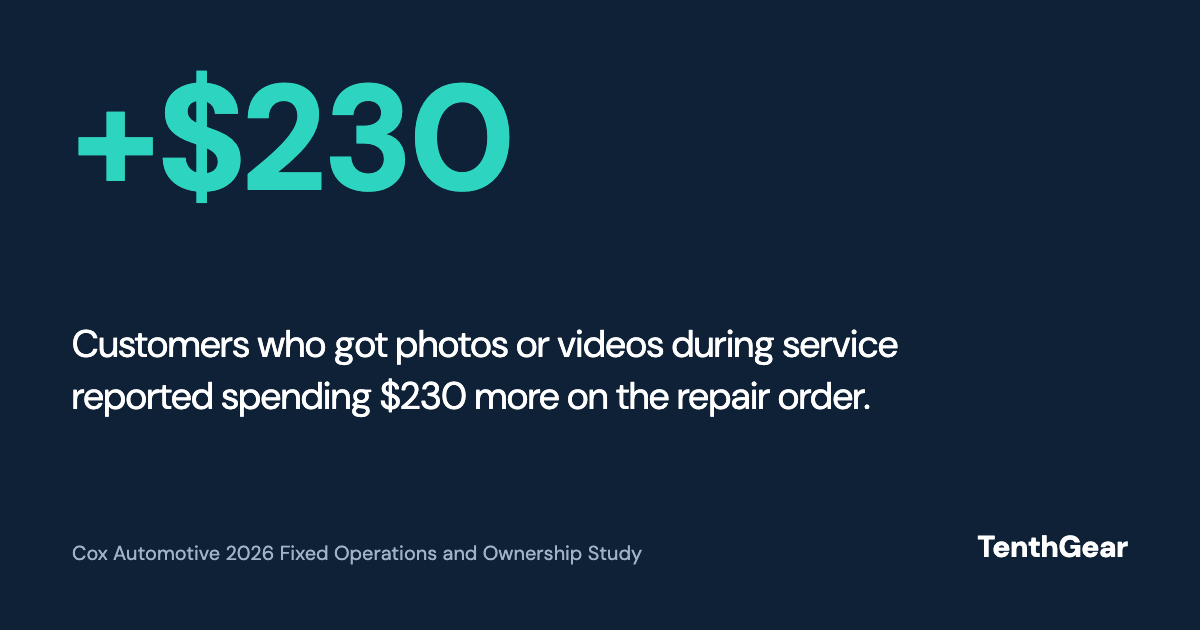
In the same study, 49% of consumers said seeing photos or videos makes them more likely to approve recommended work.
That is a correlation, not proof that the video caused the spend. But it matches what the techs who do videos well say. One 30-year dealership master tech, in a thread full of techs complaining about MPI videos, put it this way: “Everyone including me bitched about not getting paid for it… we sell way more service and repair work than we ever did before.”
Why techs hate MPI videos (and they have a point)
Read that same thread and three complaints come up again and again.
- It is unpaid flat-rate time. “How can these videos be SO critical and yet not worth paying us ANYTHING for doing them?” the original poster asked. Another tech: “I would have zero complaints if we got one or two tenths for the videos.”
- Not every tech wants to be on camera. “I went to school and trained to be a technician, not a damn TikToker.”
- Forced videos get faked. When video percentage is the metric, techs hit the metric. One described their videos as “30 seconds of me running around and under the car.”
None of that is fixed by telling techs to try harder. It is fixed by making the video faster to shoot, easier to talk through, and worth something to the tech.
The MPI video shot list
Same order on every car. When the order never changes, the tech stops thinking about what comes next and the customer learns where to look.
A clean-car MPI video, one red and one yellow item
≈ 1:30
Each red item adds 20 to 30 seconds and each yellow about 15. A car with a lot to show lands at three to four minutes.
| # | Shot | What to say | Time |
|---|---|---|---|
| 1 | Intro | Your name and the customer’s concern in their words. “Hi Sarah, I’m Mike, I’m working on your Tahoe today for the clunk over bumps.” | 10 sec |
| 2 | The concern | What you found on the line they came in for. Start wide so they know where on the car you are, then move in. | 20 to 40 sec |
| 3 | Red items | Anything that should be fixed today, one at a time. Show it, give the measurement if there is one, say why it matters. | 20 to 30 sec each |
| 4 | Yellow items | What is wearing and roughly when it will need attention. | 15 sec each |
| 5 | Close | What is urgent, what can wait, and that the advisor will follow up with pricing. | 10 sec |
Notice what is not on the list: a tour of every green item, or a reading of all four tires and brakes. Measurements belong on the report. Say one on camera only when it is the reason for a red or yellow item (“front pads are at 3 millimeters”). One sentence covers the greens (“everything else we checked is in good shape”), and the customer report shows the rest. For the full list of items and where red and yellow start, see our multi-point inspection checklist.
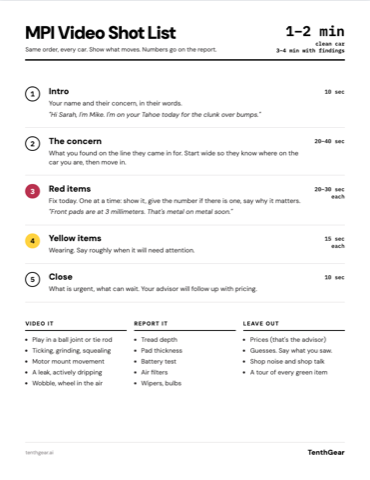
Free download: the MPI Video Shot List
One page, US Letter. Print it and tape it inside the toolbox lid. No signup.
Download PDFVideo it or just say it?
Video is slow to shoot and slow to watch, so spend it where a photo or a number on the report cannot do the job.
| Video it | Report it (a measurement or photo on the report is enough) |
|---|---|
| Play in a ball joint or tie rod end | Tire tread depth |
| A ticking, grinding or squealing noise | Brake pad thickness |
| An engine jumping on a bad motor mount | Battery test result |
| A leak that is actively dripping | Dirty cabin or engine air filter |
| A wobble with the wheel in the air | Wiper blades, bulbs |
What to leave out of an MPI video
- Prices. That is the advisor’s conversation, with the full estimate in front of them. A tech quoting a number on camera sets a price the advisor has to defend.
- Shop noise and shop talk. Customers hear everything. One advisor on Reddit described a walkaround video that caught a tech two bays over swearing. Step away from the impact gun, and assume the whole shop is on the recording.
- Guesses. Say what you measured and what you saw. “It could be the transmission” is a worry, not a finding.
- Surprises for the advisor. If the customer watches the video before the advisor does, the advisor gets blindsided on the callback. The advisor should know what is in it, and should tell the customer at write-up that a video is coming.
How long should an MPI video be?
About one to two minutes on a car in good shape, three to four when there is a lot to show. Techs who do this well land in the same place: intro, the concern, walk from one end of the car to the other, done. Longer is fine when the car needs it, as long as the customer can skip to the part they care about. Chapters solve that.
Make the video do double duty
Here is the part most stores miss. The tech who says “front pads at 3 millimeters” on camera has just done the inspection. Then they walk to a terminal and type the same 3 millimeters into the MPI form. That double entry is a big reason the video feels like unpaid extra work.
With TenthGear, the video builds the MPI report. The shot list comes from the RO itself, the open lines plus anything flagged red or yellow, so the tech is not inventing the order. Cue cards give talking points for each chapter, written from the tech’s own notes and measurements. When the video is done, TenthGear transcribes it and matches what the tech said to the inspection items, with the status and measurement filled in. The tech reviews the findings and applies them. Nothing reaches the report or the estimate until they do.
The customer gets a video with named chapters they can jump between, with English and Spanish captions. The tech gets an inspection that is already filled out. That is how the video stops being a second job and starts closing the gap between work found and work sold.
Start with one week of videos
Pull last week’s MPI videos for three techs. Time them, check them against the shot list above, and compare their approval rates. You will see the pattern fast, and you will know which tech to have walk the rest of the team through it.
Want to see an MPI video turn into a finished inspection report? Book a demo and we will show you on a real RO.